
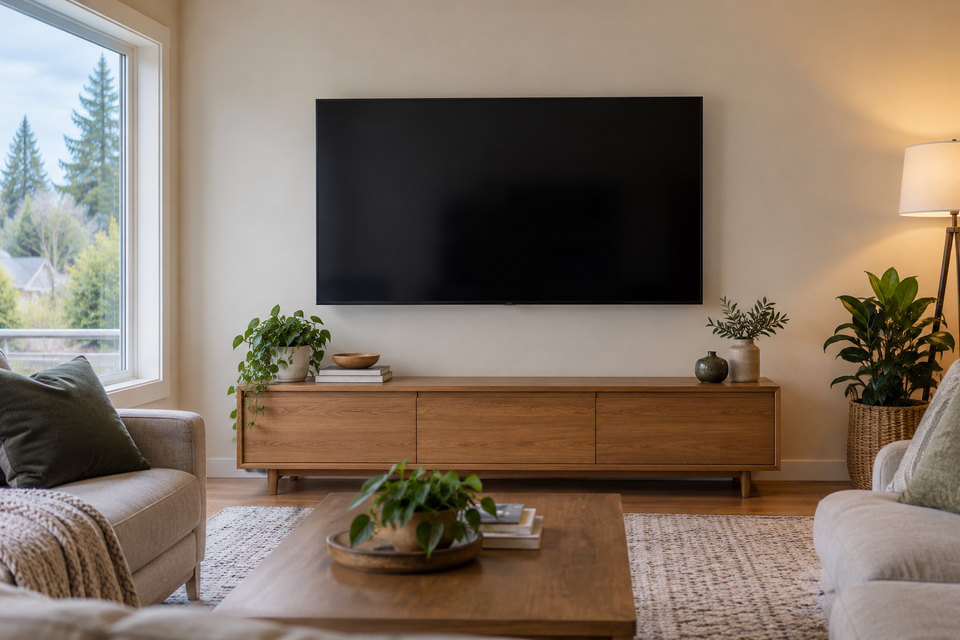
A television in a shared room
Explain who uses the room and whether tables, seating or walkways move during normal use. Describe the viewing positions rather than selecting a screen height solely from an empty wall.
For a business or shared property, identify the person who approves the equipment and mounting position. Note opening hours and when the wall area can be made accessible without assuming work can occur during occupancy.
Prepare the equipment and location details
Send the TV make, model, weight and screen size, along with the mount model or product link if selected. Explain the preferred position and whether existing equipment must be removed.
Describe the wall construction if known, access around the work area and any property permission that needs arranging. Product compatibility and a suitable fixing location must be reviewed before installation.
Confirm what the visit includes
State your cable-management goals and connected devices. Mounting, equipment setup, wall repairs and electrical changes are different tasks; confirm which are included rather than assuming a single mounting request covers them all.
Share the Tukwila location and preferred timing to discuss availability. The illustration shows a service concept, not a promised layout or a completed local project. The final arrangement depends on your equipment, wall and agreed scope.